
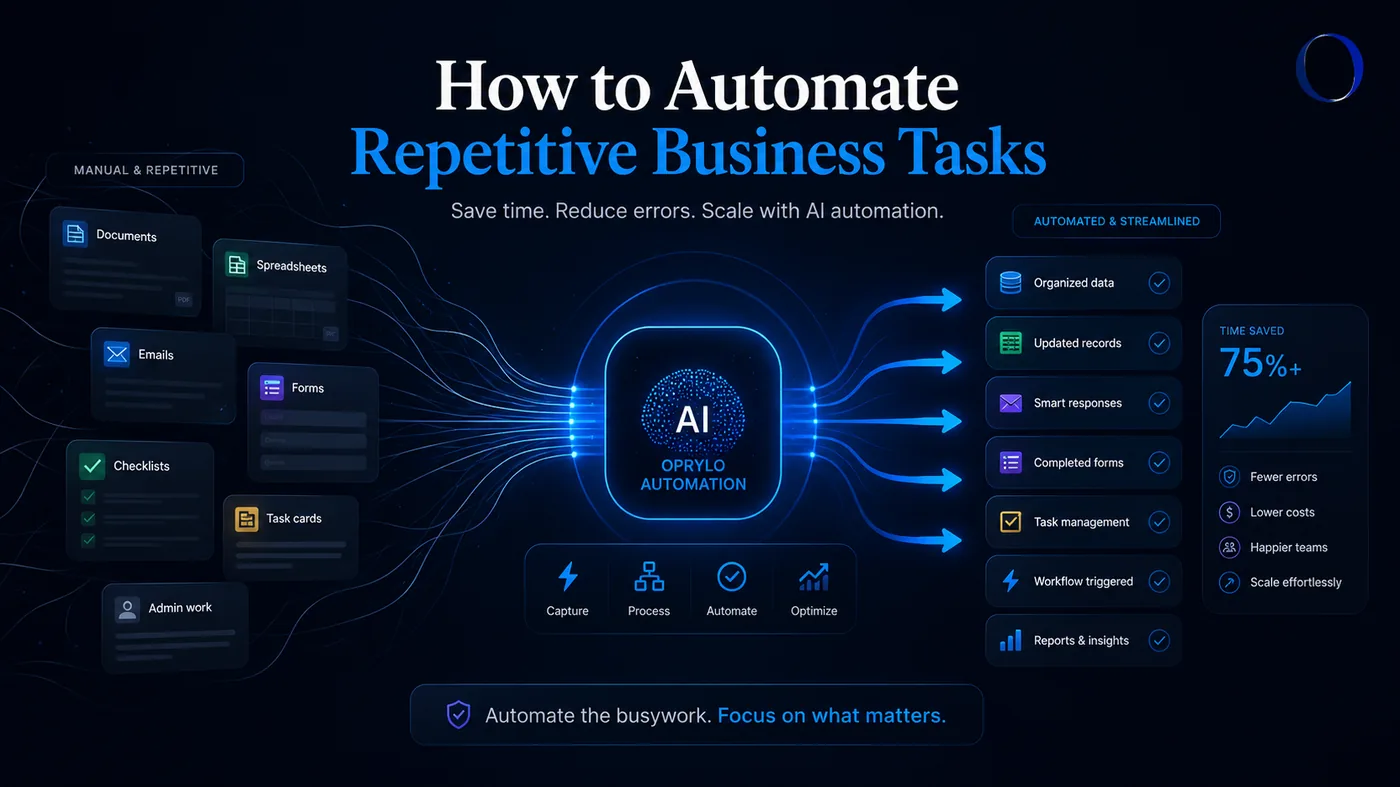
Why repetitive tasks are so expensive
Repetitive tasks rarely look expensive in the moment, it's five minutes here, ten minutes there. But across a team and a month, those minutes turn into days of lost capacity, missed follow-ups, and mistakes that come from doing the same thing on autopilot.
Automating repetitive business tasks isn't about replacing your team. It's about giving them their time back so they can focus on customers, sales, and work that actually needs a human.
Step 1: Find the tasks worth automating
Not every task should be automated. The best candidates share a few traits:
- They happen often (daily or weekly)
- They follow a predictable pattern
- They don't require nuanced judgment
- They involve moving data between tools
- They get skipped or delayed when things get busy
A quick way to find them: ask your team what they'd stop doing tomorrow if they could. That list is your starting point.
Step 2: Map the process before you automate
Automating a broken process just makes the mess faster. Before building anything, write down what actually happens today: triggers, steps, decisions, tools, and who's involved. If a step only exists because "we've always done it," this is the time to remove it.
Step 3: Pick the right layer of automation
Not everything needs AI. There are three layers worth knowing:
Rules-based automation
Best for moving data between tools: "when a form is submitted, create a CRM record and send an email." Reliable, cheap, and often enough on its own.
AI-assisted automation
Adds reasoning: writing personalized replies, summarizing conversations, categorizing tickets, extracting fields from a document. This is where AI workflow automation earns its keep.
Human-in-the-loop
For anything sensitive, pricing, refunds, escalations, the workflow drafts and prepares, but a person approves. This keeps quality high while still removing the manual grunt work.
Step 4: Common workflows to automate first
- Lead capture, qualification, and follow-up sequences
- CRM record creation, tagging, and pipeline updates
- Appointment booking, confirmations, and reminders
- Customer intake and first-response messaging
- Invoice reminders and payment follow-ups
- Onboarding checklists and welcome sequences
- Weekly reporting rollups sent to Slack or email
- Internal notifications when something needs attention
Many of these live inside CRM automation, lead follow-up automation, and customer intake automation, the areas where repetitive work compounds fastest.
Step 5: Roll out one workflow at a time
Trying to automate everything at once is how projects stall. Ship one workflow, let your team live with it for a week, fix what's off, and only then move to the next. Momentum comes from small wins, not big launches.
Where Oprylo fits
Oprylo is an AI automation agency that builds these workflows for service businesses, agencies, and growing teams. Depending on scope, that might look like a single Starter Automation, a Lead Flow System, an AI Receptionist, or a full Workflow Growth engagement. See all packages or start with a free automation audit to find your best first workflow.
The mindset shift
Automating repetitive business tasks isn't a one-time project , it's a habit. Every time your team catches themselves doing the same thing twice, that's a candidate. Over time, the compound effect is a business that runs smoothly at 2× the size without doubling headcount.