
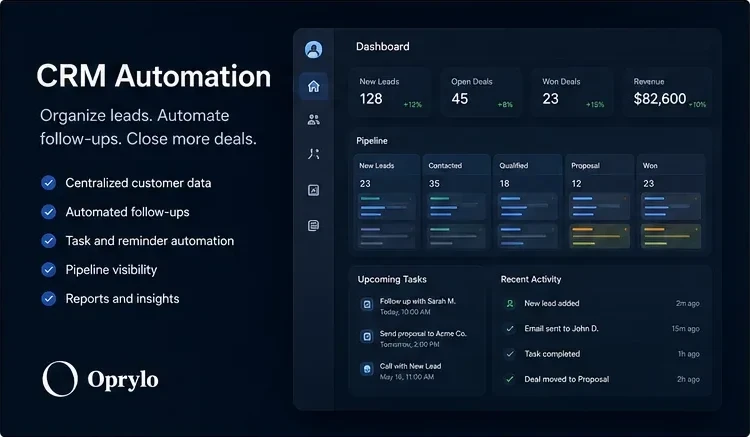
A simple definition
CRM automation is the use of rules, integrations, and AI workflows to take repetitive CRM work off your team's plate. Instead of manually creating records, updating stages, and chasing follow-ups, the CRM keeps itself organized based on what's actually happening.
What it typically automates
- Creating new lead records from forms, chats, ads, and inbound emails
- Tagging, scoring, and routing leads to the right team member
- Moving deals through pipeline stages based on activity
- Sending follow-up emails and SMS on a schedule
- Creating tasks and reminders so nothing gets forgotten
- Syncing customer data between CRM, billing, and support tools
- Weekly reporting rollups delivered automatically
Why it matters
A CRM is only as valuable as the data inside it. When records are out of date, deals sit in the wrong stage, and follow-ups depend on people remembering, the CRM stops being a system and becomes a liability.
CRM automation solves that by making the CRM update itself. Every interaction, form fill, and status change flows in automatically, so the pipeline is always an accurate picture of what's really happening.
Where CRM automation connects to the rest of your business
CRM automation almost never lives alone. It usually connects to lead follow-up automation, customer intake, and internal reporting, the pieces that make a real business process automation system.
At Oprylo, CRM automation is central to the Lead Flow System and the Workflow Growth packages, and it's often paired with an AI Receptionist at the top of the funnel.
How to get started
The best starting point is understanding where your CRM is currently costing you time. A free automation audit will surface those gaps and map the highest-impact automations first. From there, we build out only what actually helps, no bloated setup.